File viewer
View metadata.
Read supported EXIF, XMP and container details alongside file size, dimensions and duration.
Photos + videosClear source labelsLocal file preview
See what your files reveal. Edit the details that matter. Remove supported private information before you share.
View, edit and selectively remove supported metadata.
Viewing stays in your browser. Paid exports use private processing.
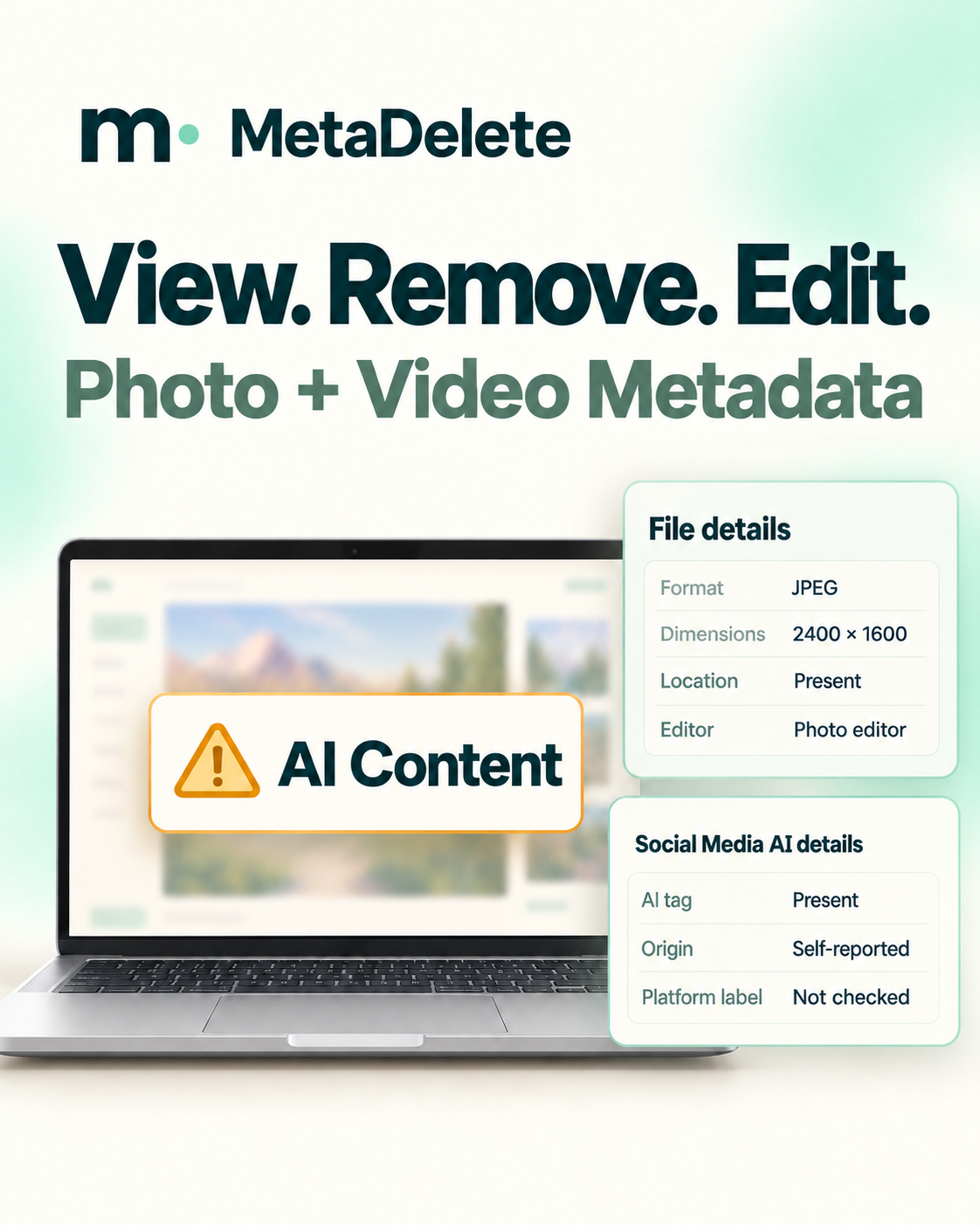
See hidden details, update your descriptions, or remove supported private fields. Your original stays untouched.
Read supported EXIF, XMP and container details alongside file size, dimensions and duration.
Choose private details to remove, such as location and device identifiers.
Add accurate descriptions, creator credits, and copyright information.
What’s included varies by file.
Metadata is information stored inside a file. Some of it is useful. Some of it may be more personal than you’d expect.
Pick the right starting point for your file.
No technical knowledge needed.
Preview your image and inspect basic file properties.
Check file size, dimensions, and duration when available.
JPEG, PNG, WebP and supported MP4 / MOV containers have real metadata exports. Other formats have basic viewing only.
Choose a photo or video from your device.
Read the metadata. Choose the details you want to edit or remove.
Review the changes, then save your edited file. Keep your original.
Your name and your home location serve different purposes. Metadata choices should reflect that.
Review your choices. Your original file stays unchanged.Keep origin records and AI disclosures accurate.
Metadata can tell part of a file’s story. It doesn’t control every platform decision, and a missing tag doesn’t prove human origin.
Short guides for the questions
you actually have.
A few things to know
before you start.
Inspect supported embedded metadata, edit descriptions and credits in XMP, and remove supported privacy fields. Review the changes and download a separate copy.
Viewing stays in your browser. Editing and removal upload your file for private processing after you confirm. Download links expire after one hour.
Yes, for JPEG, PNG, WebP and supported MP4 / MOV files. Removal covers selected supported fields, not every possible tag. Files with detected provenance records or unsupported structures cannot be rewritten.
No such outcome is guaranteed. MetaDelete does not control platform labels, detect AI origin, or offer label evasion.
Start with JPG, PNG, WebP, MP4, MOV, or WebM. Decoding depends on the browser and codec. The free viewer accepts one file up to 100 MB. Paid exports support files up to 32 MB. WebM and other unsupported containers have basic viewing only.
The viewer handles one file at a time. Batch viewing, editing, and removal are planned.
Choose a photo or video to get started.